Field Trip Form Process

Access the Field Trip Form
- Log in to the PowerSchool Parent Portal.
- Open SchoolEngage. You can click the SchoolEngage icon on the homepage or use the SchoolEngage link in the left sidebar.
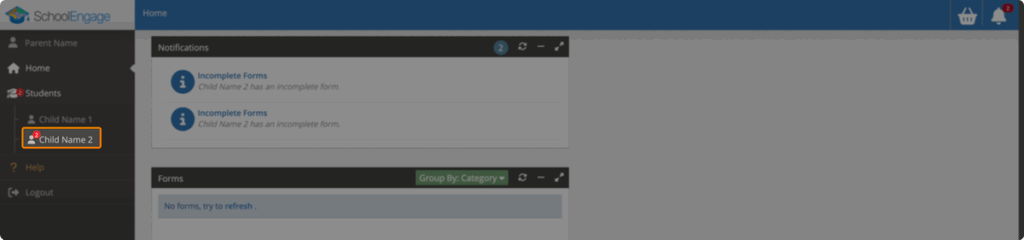
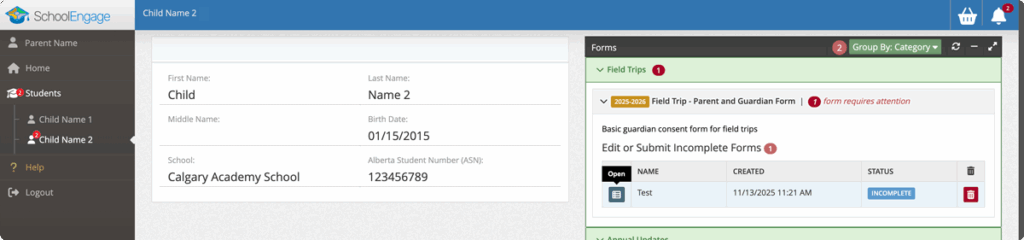
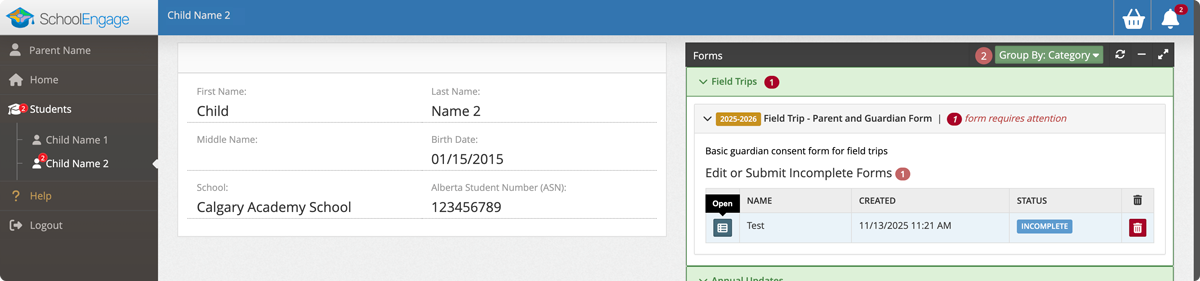
- In the sidebar, click your child’s name. A red notification badge beside their name indicates there are forms to complete.
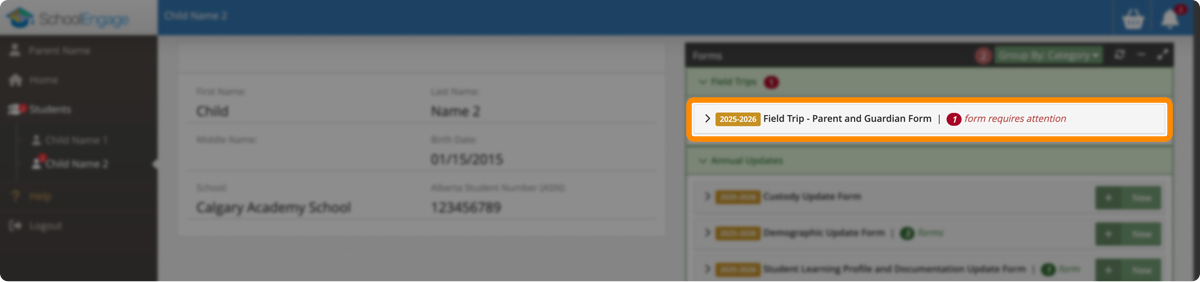
- In the Forms panel on the right, open the Field Trips section.
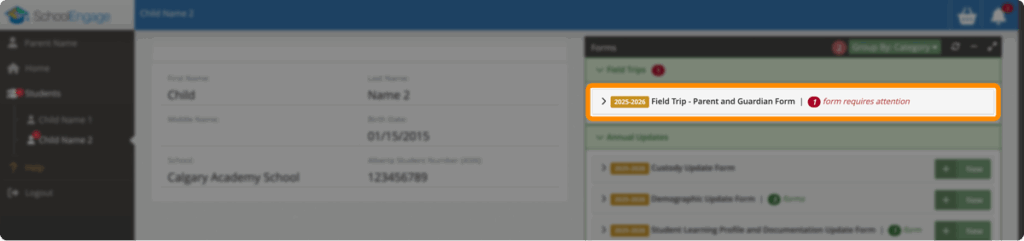
- Click Field Trip – Parent and Guardian Form, then click Open beside the incomplete form.

Complete the Form
- Review the details on the page.
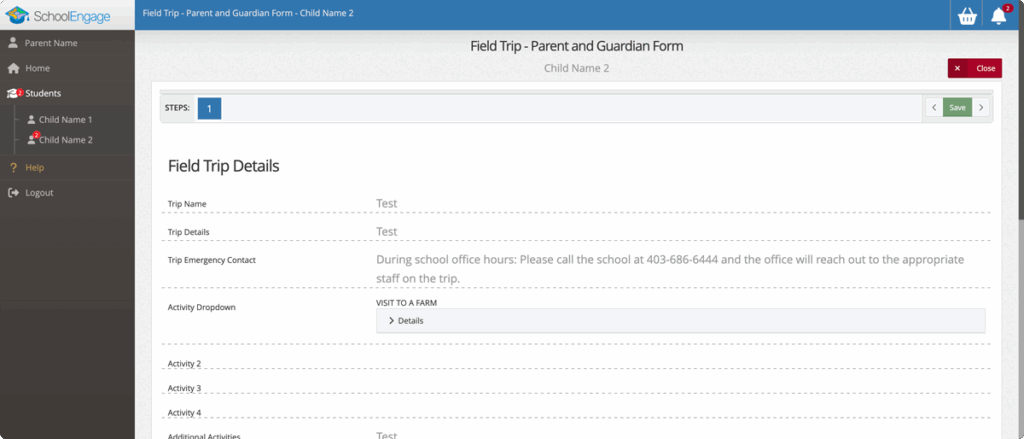
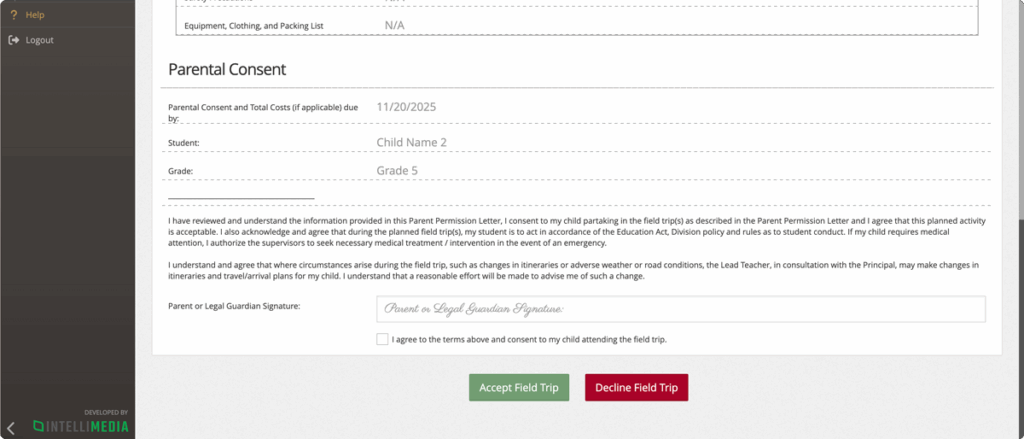
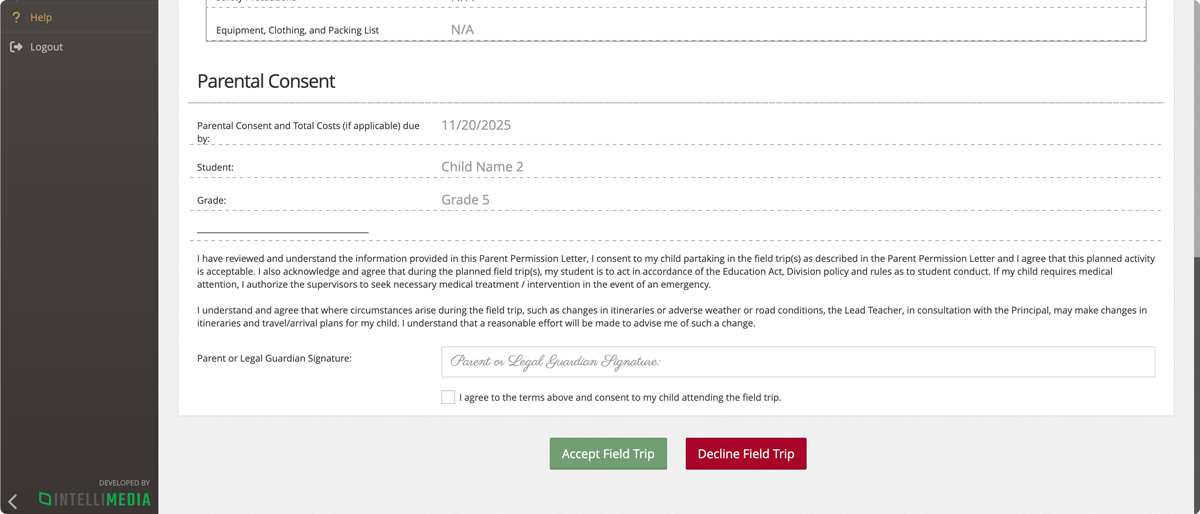
- Scroll to the bottom to sign your name, check the Agree box, and click Accept Field Trip.